Investment Planner
The investment planner is a way to make your Marketplace offering available as an investment opportunity for any potential investors.
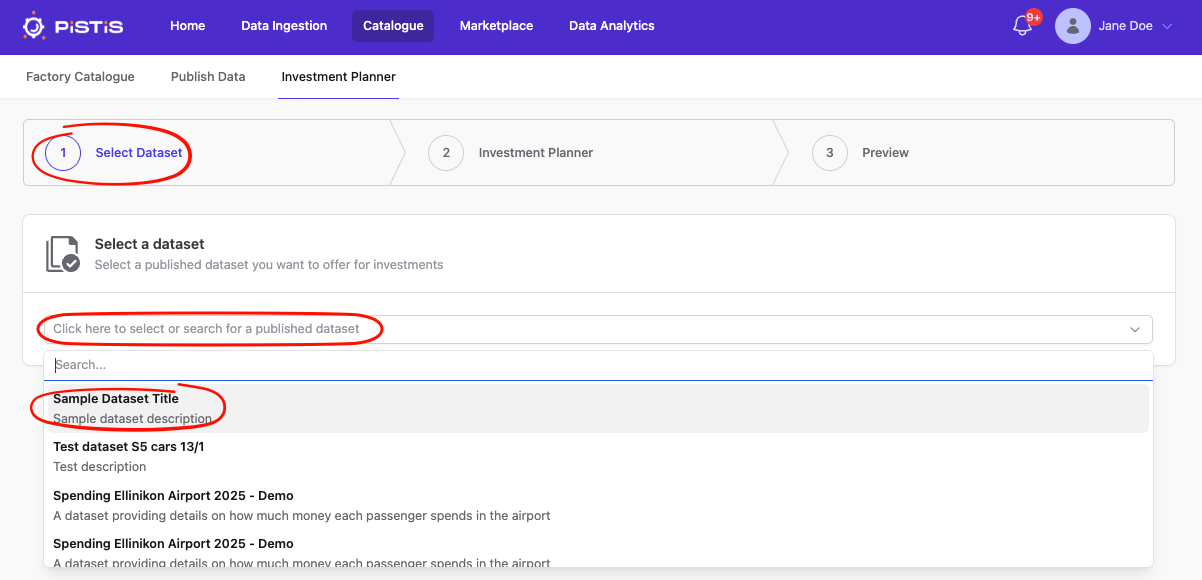
Step 1: Select Dataset
Here you will select (or search for in the text input) a dataset of yours that is already marketed on the marketplace, in order to make it available as an investment opportunity.
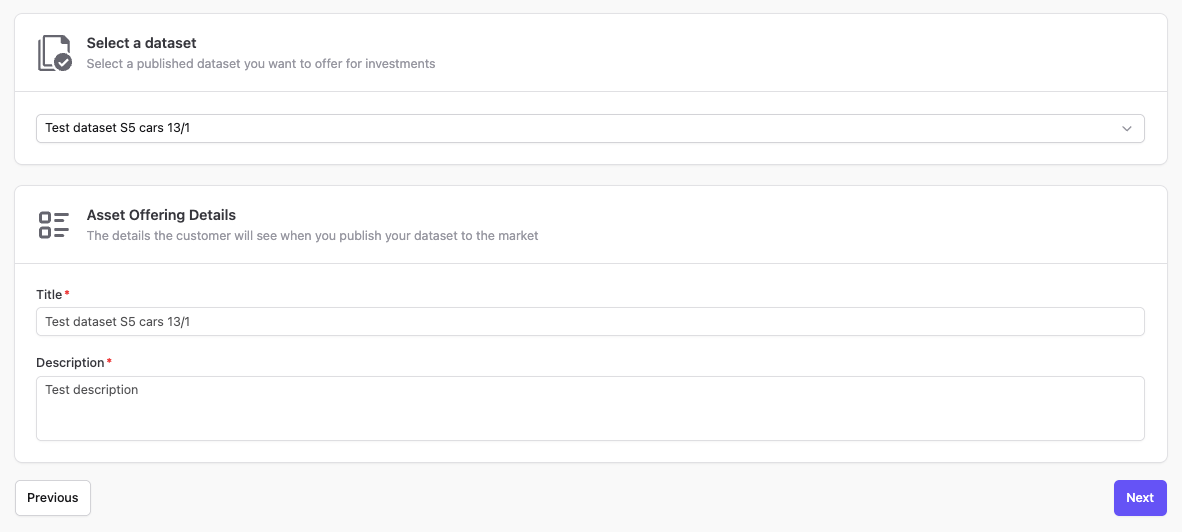
After you select the dataset, you will be able to preview (but not change, since it's already published) the asset offering details. Press "Next" to go to the Investment Planner.
Step 2: Investment Planner
In this form you will fill in the details of your investment offering and get a helpful summary of your choices/inputs.
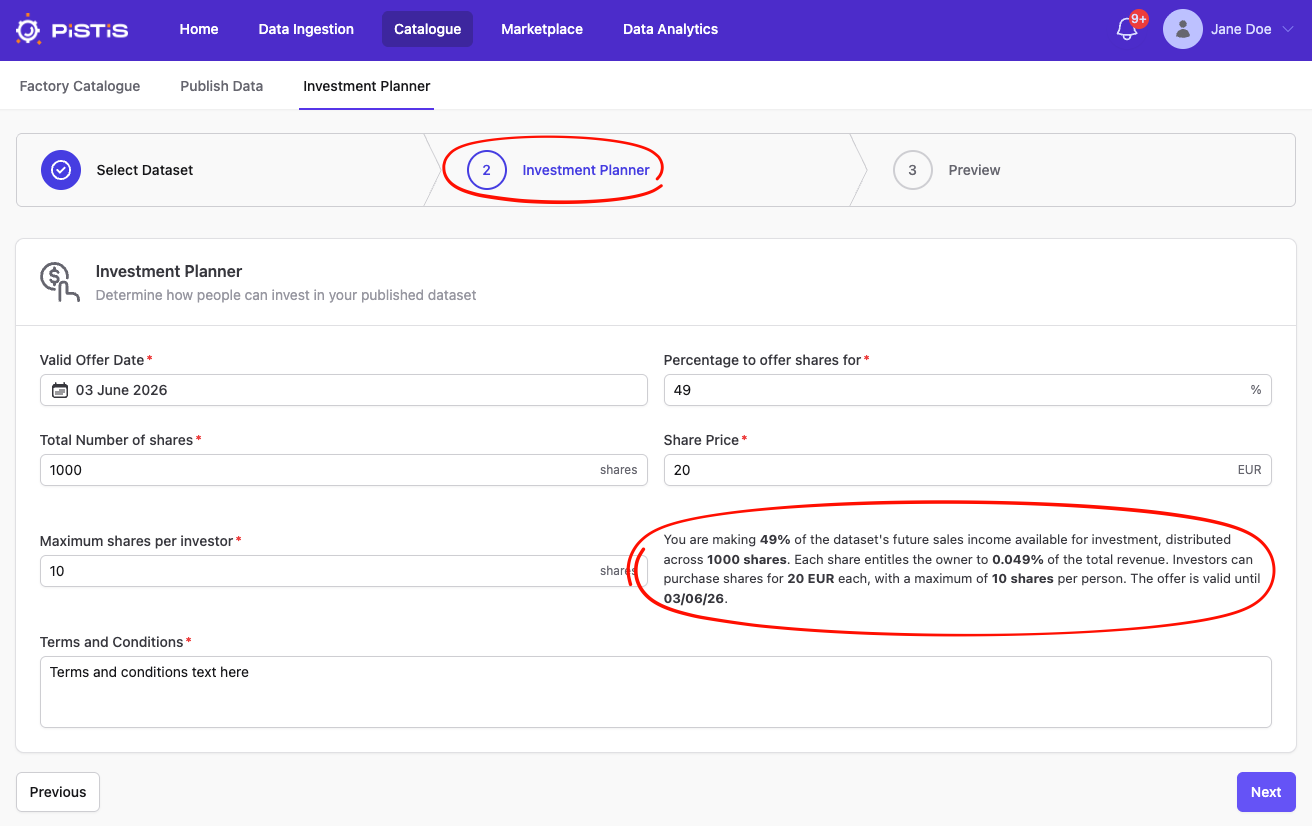
You need to input:
- Valid Offer Date: Until when your investment offering will be available
- Percentage to offer shares for: This cannot be more than 49%.
- Total Number of shares: The total number of shares you want to make available.
- Share Price: The price of each share.
- Maximum shares per investor: The maximum number of shares each investor can purchase.
- Terms and conditions: Any terms and conditions you wish to set for your investment offering.
Press "Next" to move to the Preview step.
Step 3: Preview
In this page you will be able to preview (before publishing) your dataset's offering's details, as well as the selections/inputs you made in the second step.
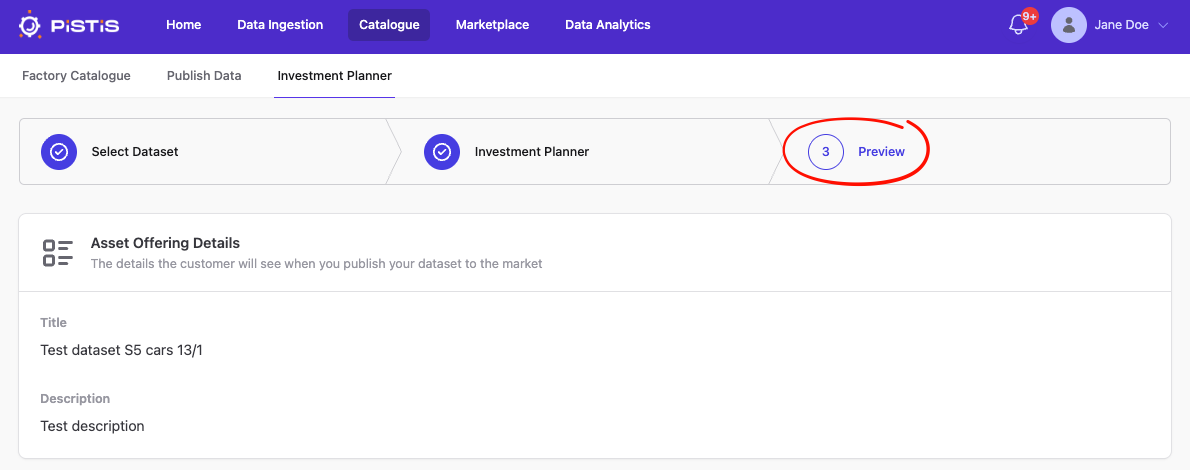
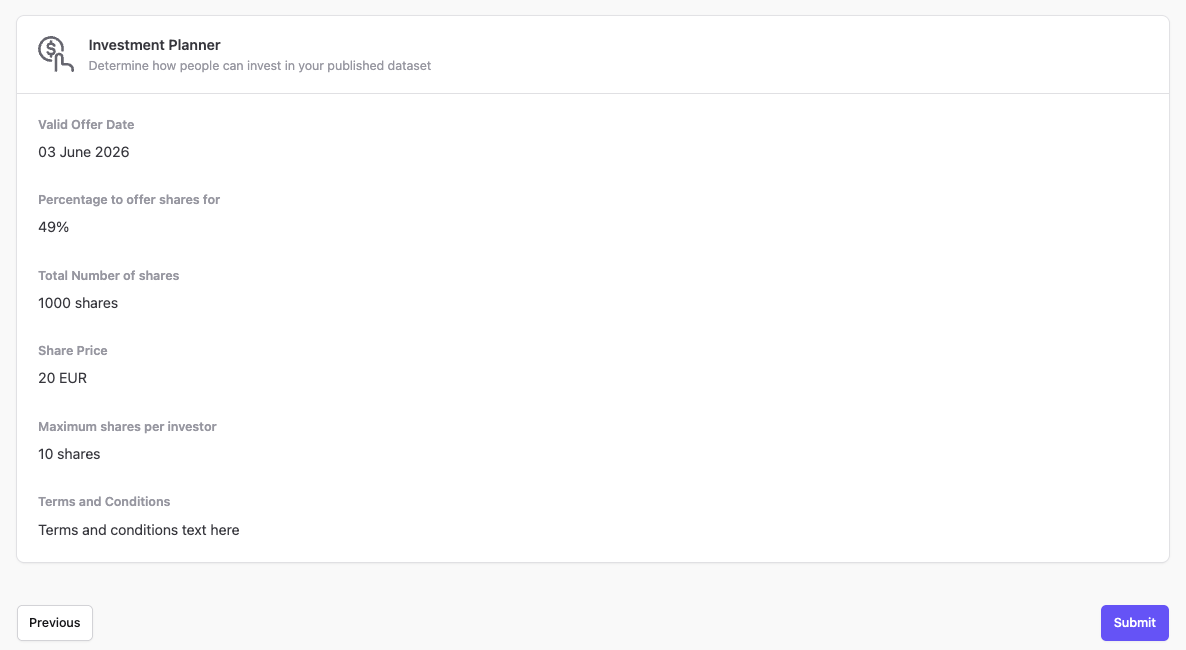
After you're certain everything is OK, press "Submit" to publish your investment offering.
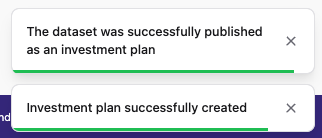
If the operation is successful, you will see these two messages pop up on the bottom right of your screen and you will then be forwarded to your offering's page on the Marketplace.