Models Repository
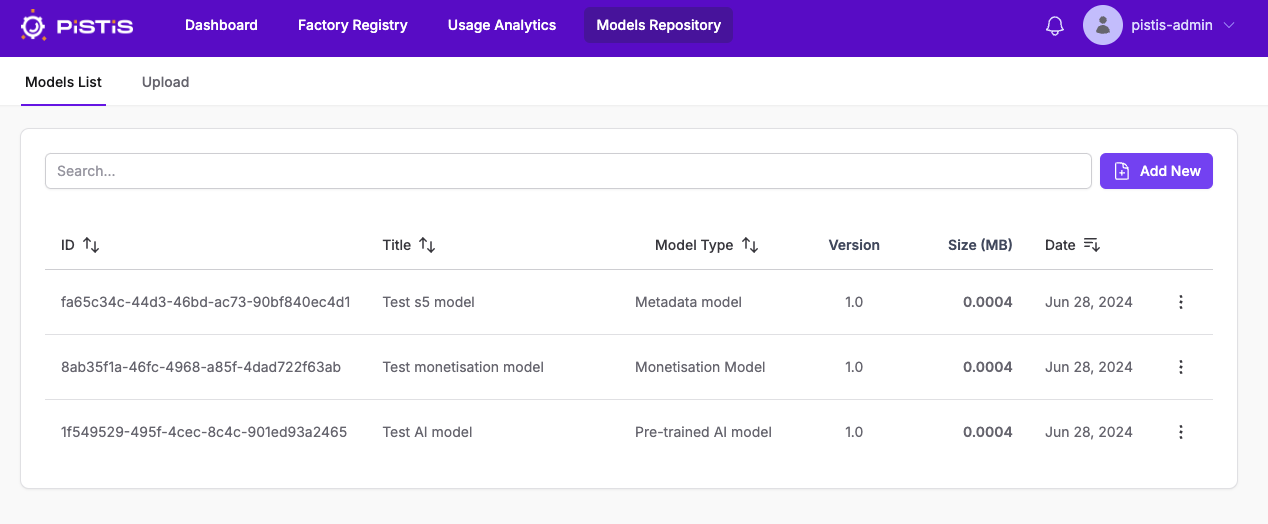
In this section you will find all the models that are in the factory.
Models List
When you select to enter models repository page at first you will see the list below
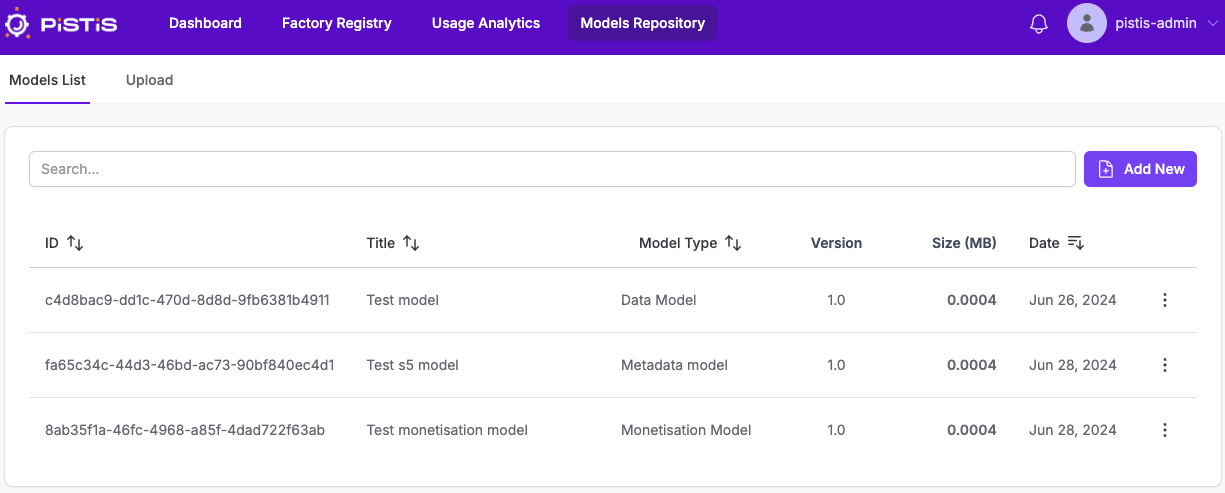 They are all available models
From there you can make some operations on the models.
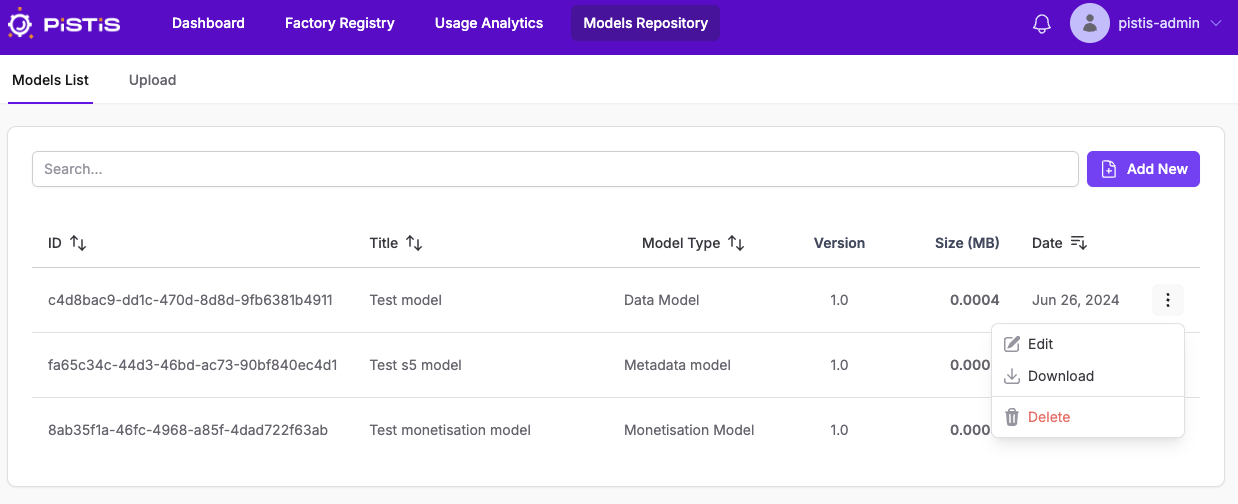
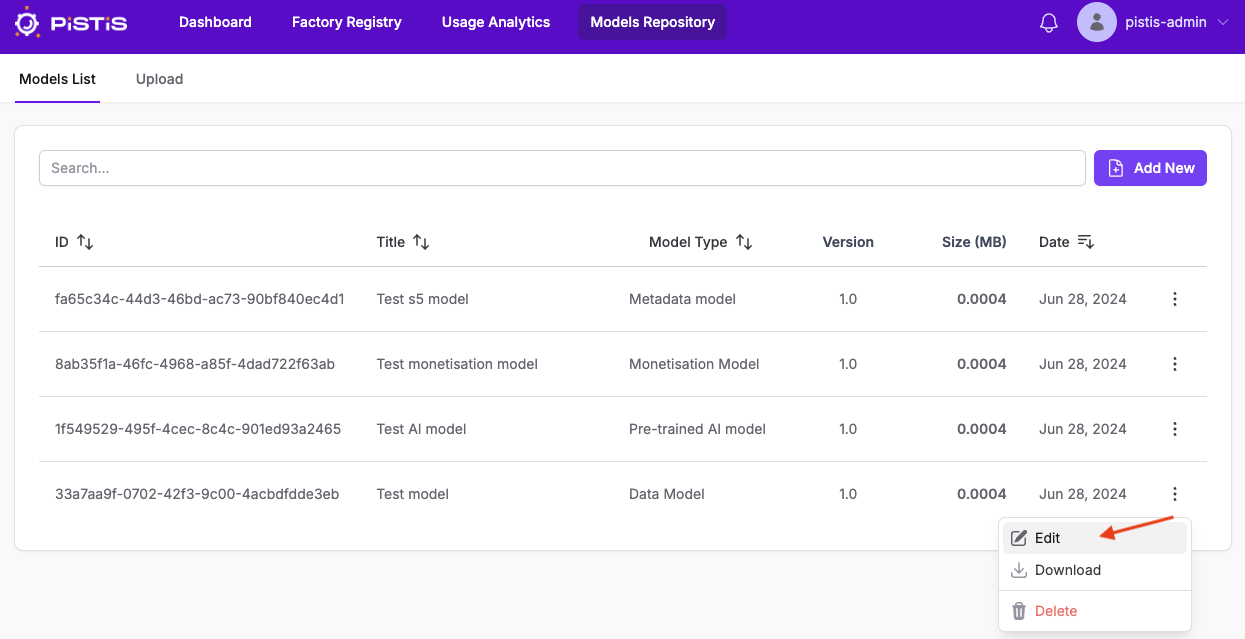
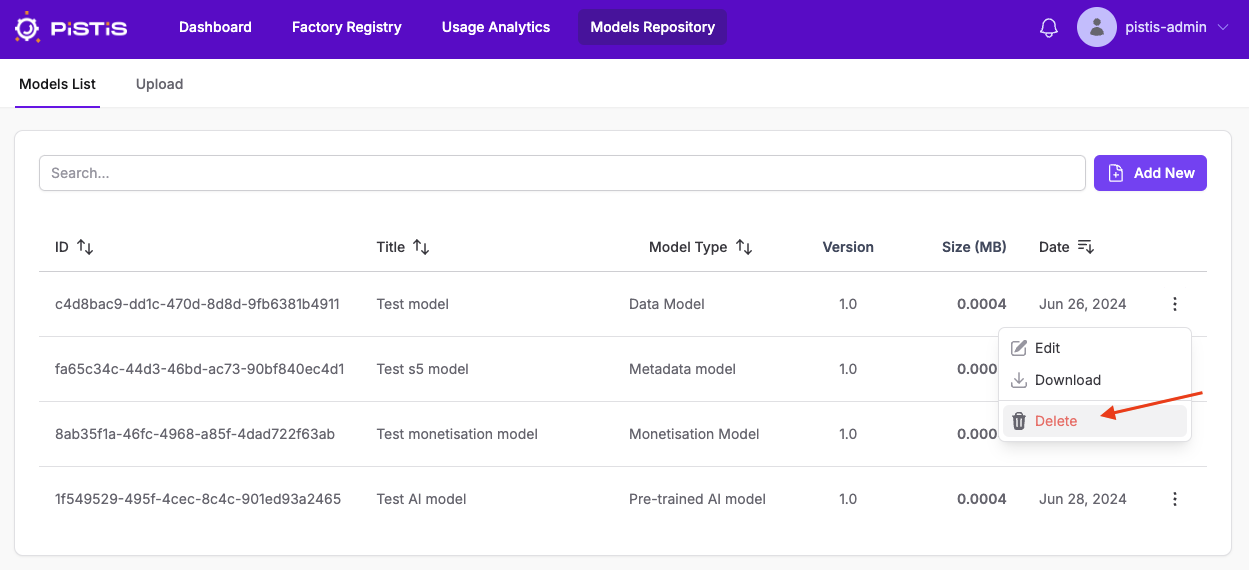
When you click the 3 dots at the end of each line you will some options like in the image below
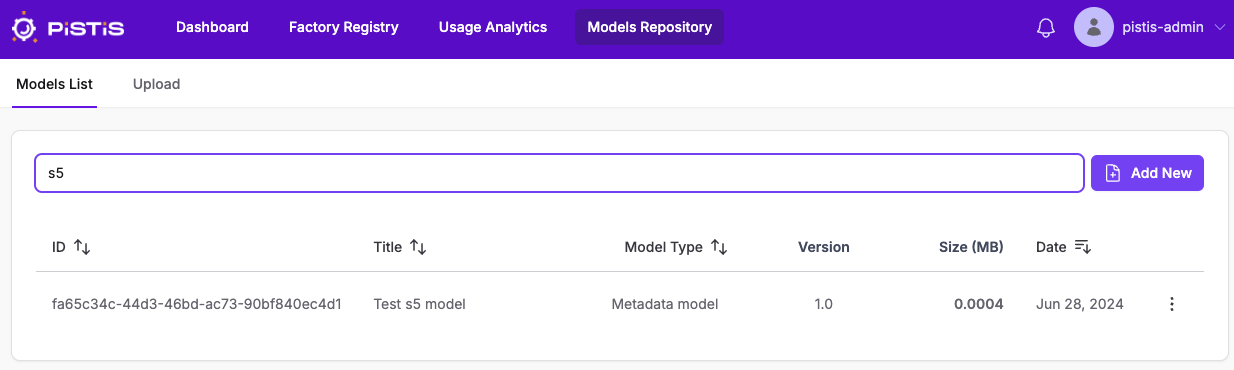
Search model
You can search for an existing model
Edit model
You can select to edit a model
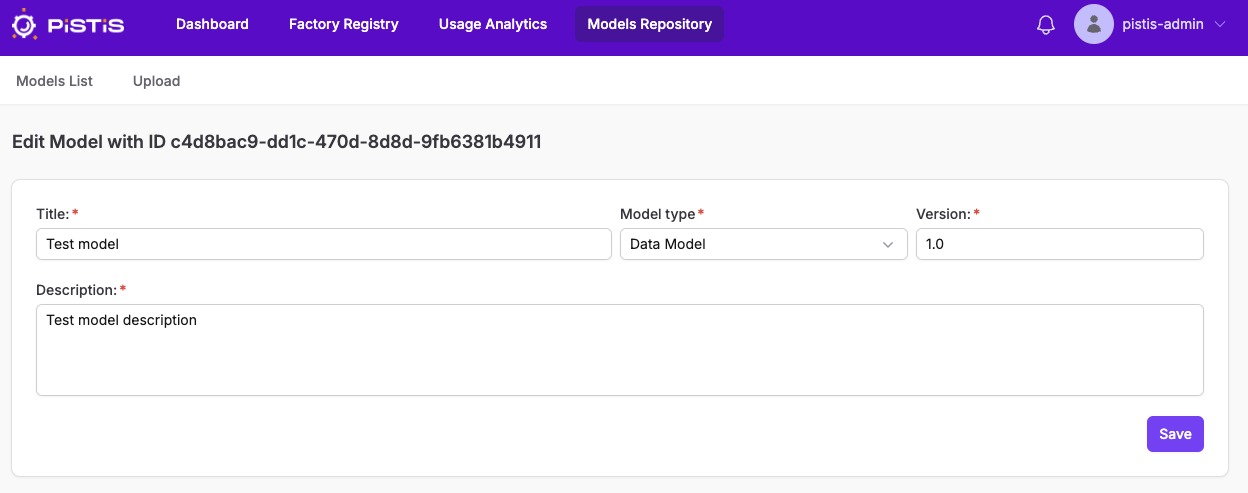
You can change any information of the model you want
As you can see here we change the version of this model from 1.0 to 1.3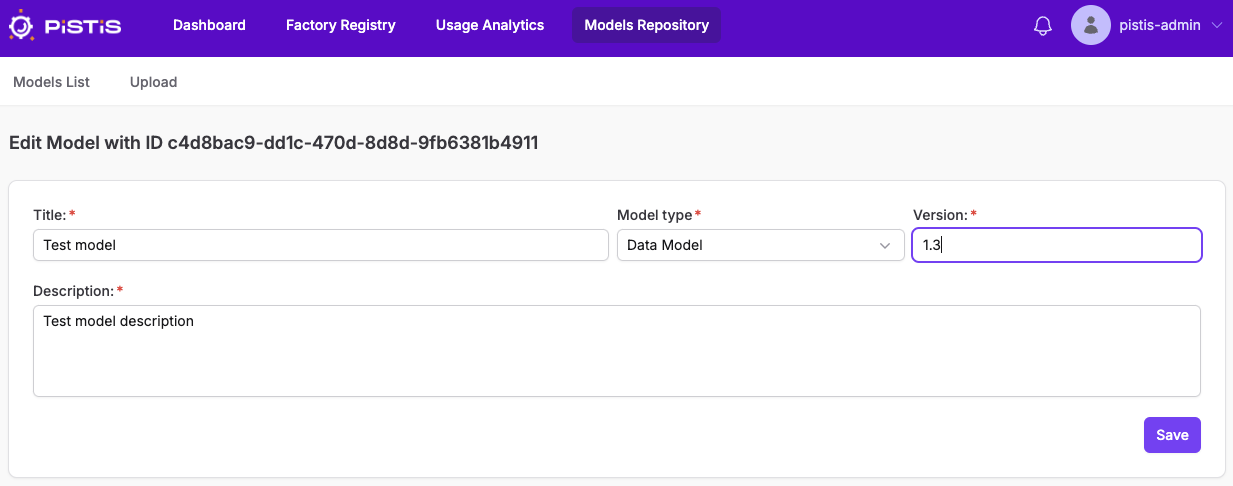 After this you click on Save to update changes in database.
Download model
You can select to download a model
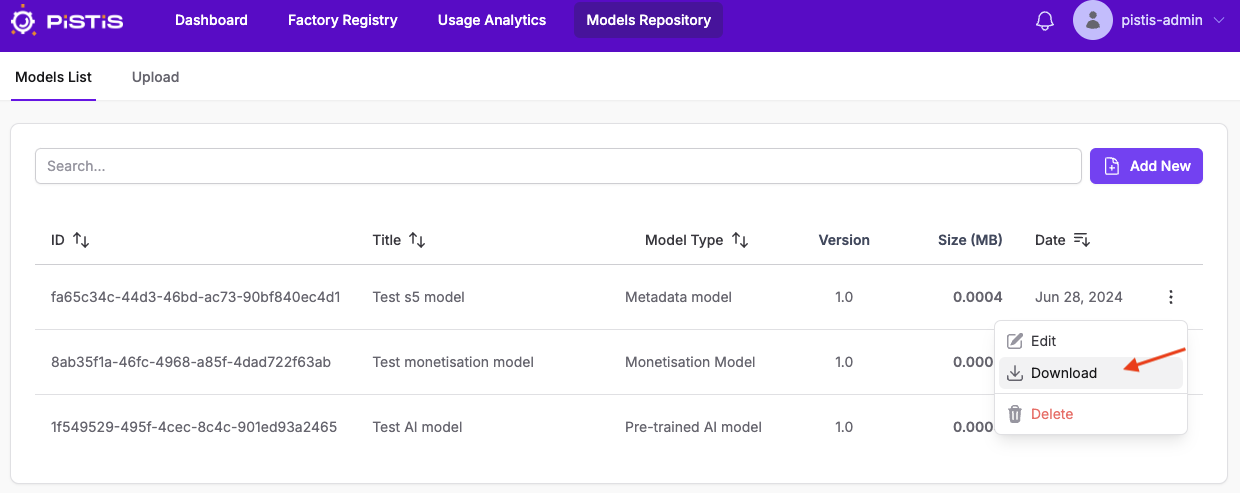
After finishing you can find the model inside your download folder
Delete model
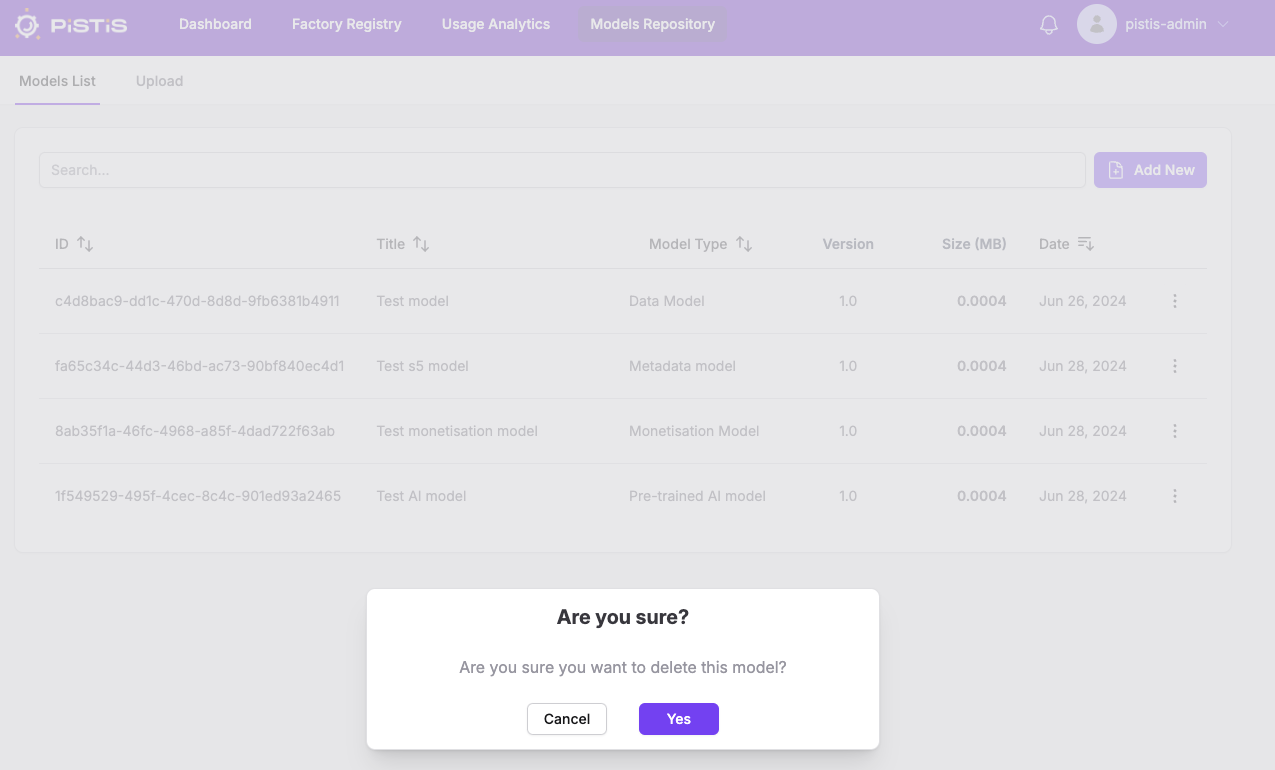
You can select to delete an existing model
A prompt pop's-up to confirm that you want to delete the model
And you see the updated list without the deleted model
Upload Model
If you want to upload a new model you can click on Upload tab
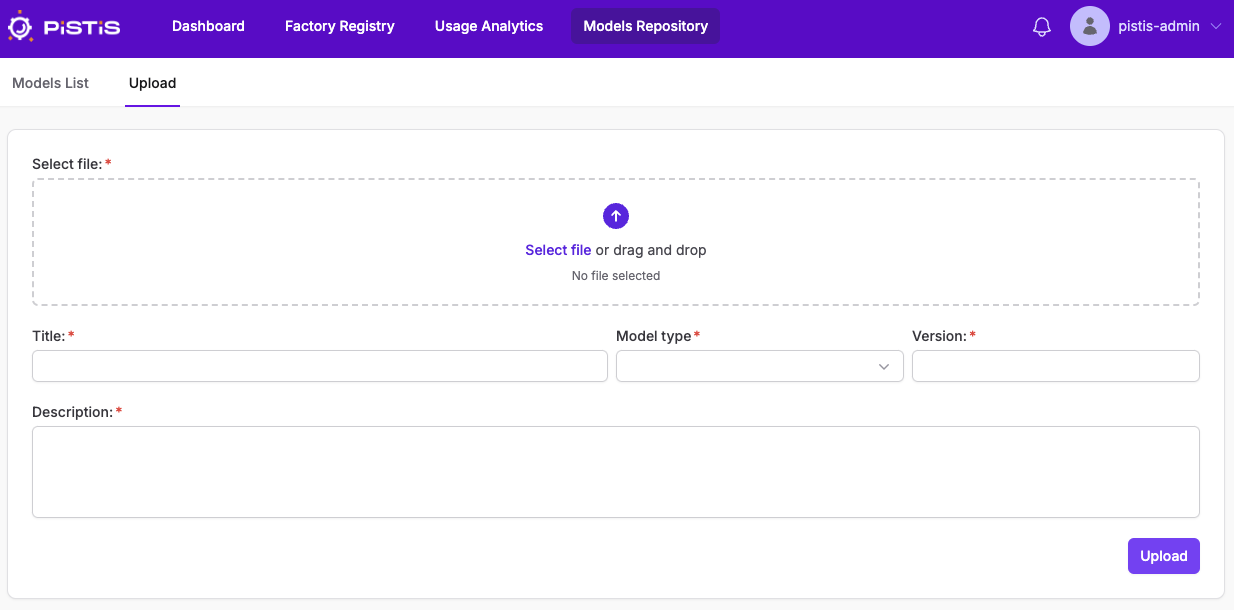
You can fill the informations about the model like below
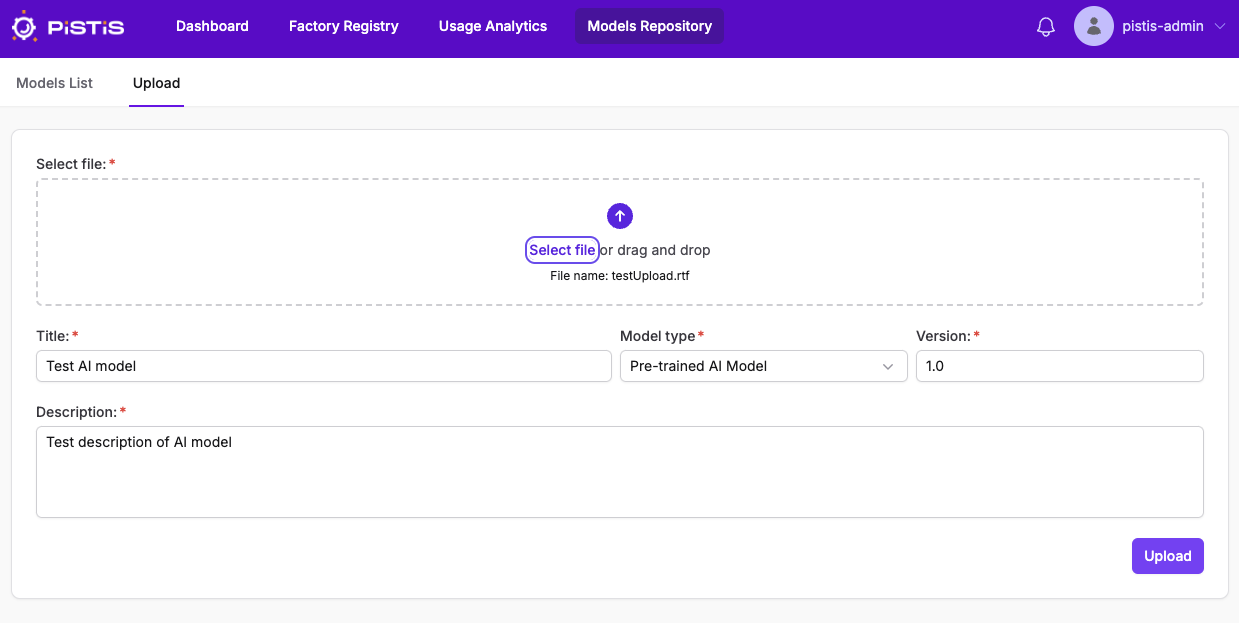 All fields are required.
After clicking on Upload button you will see the updated list with the new model