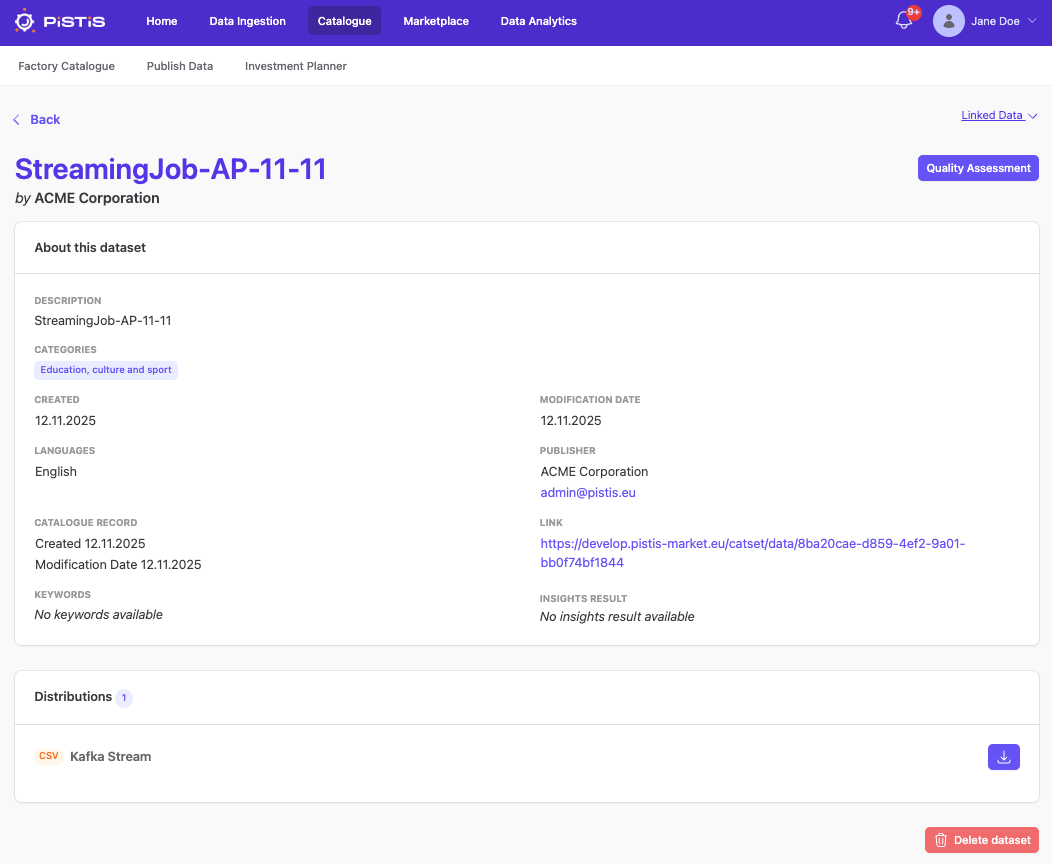
Factory Data Catalogue
The Factory Data Catalogue runs on the premises of the data provider and acts as the gateway to the organisation’s data assets. It provides the means to make the metadata and data available. Each data provider is responsible for managing its own catalogue and for incorporating their own (meta)data.
Managing Data Assets
Data asset management, including creating, updating, and deleting assets, can be performed through the catalogue's API, which is explained in detail here.
Searching for Data Assets
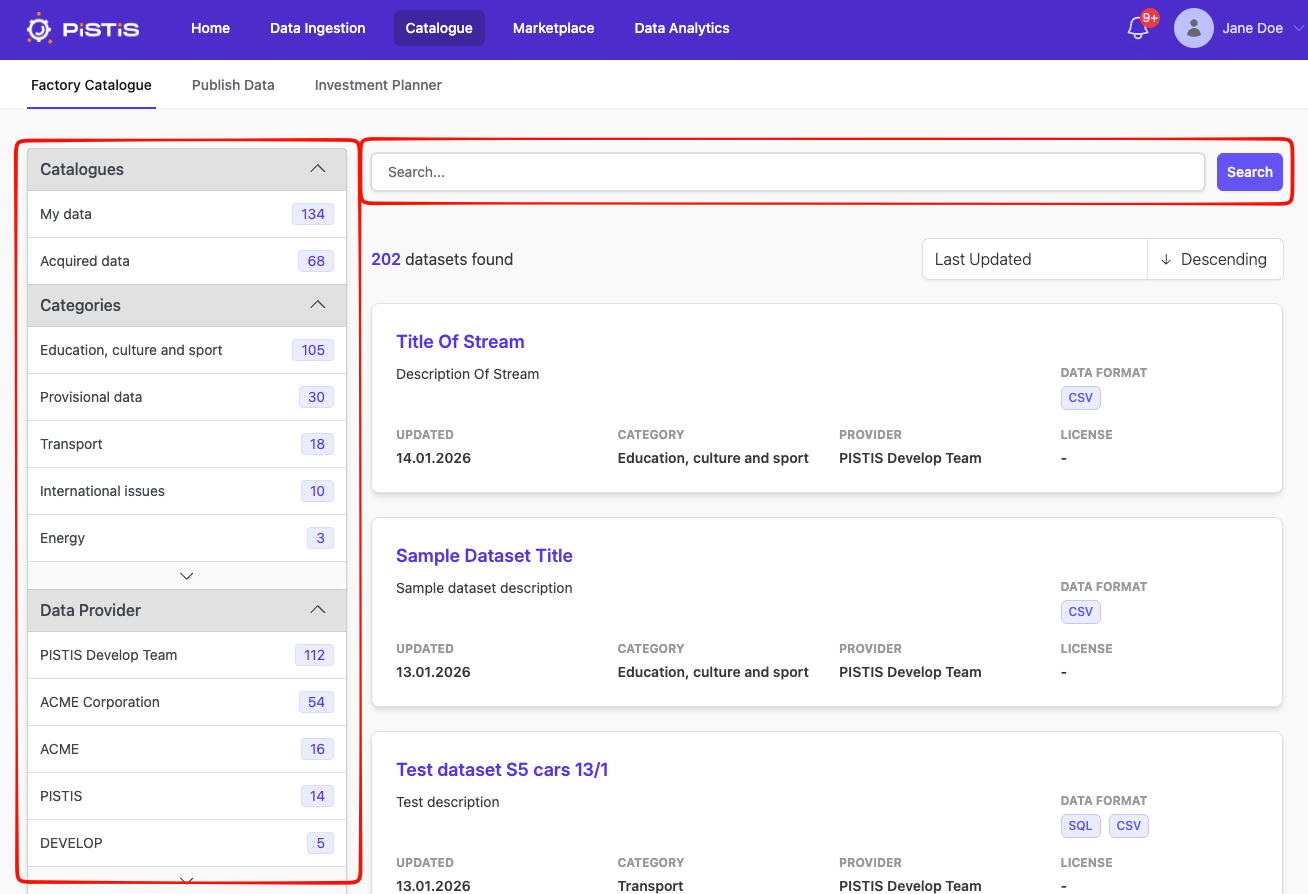
The data assets can be explored through a search engine. You can search for datasets containing one or more keywords by typing the keywords into the search field and then clicking on the search button. You can also filter your search result by applying the filter options provided on the left hand-side menu.
Data Assets Organisation
As a data provider, you can also act as a potential data buyer in the marketplace. When you purchase a data asset from the marketplace, it will be transferred to your Factory Data Catalogue. Therefore, it is important to distinguish between the data assets you own and those you have purchased. The data assets you own are managed in the "My Data" catalogue, while the assets you have purchased are stored in the "Acquired data" catalogue.
My Data
If you click on "My Data" in the "Catalogues" section of the left-hand menu while searching for data assets, you will find all the data assets you own. Clicking on a dataset leads you to its details page.
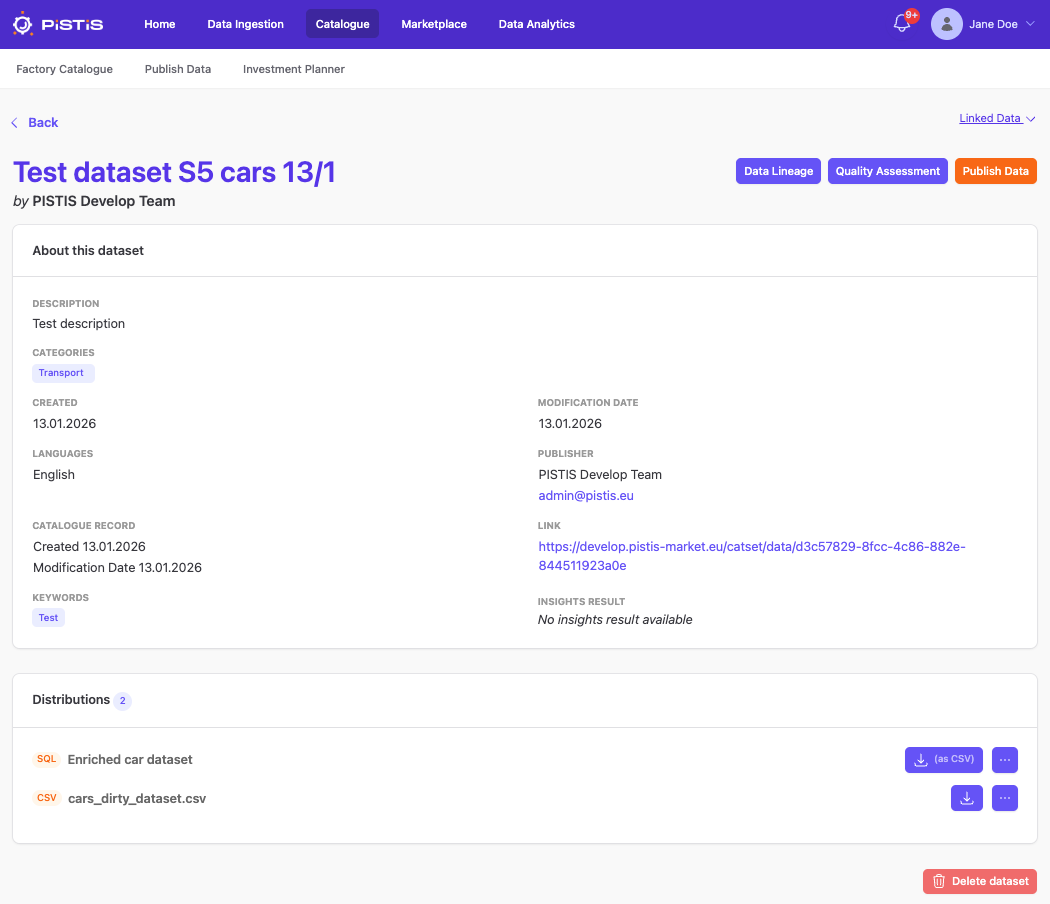 The data asset details page is not only showing the metadata, but also the access point to other PISTIS services: Data Lineage, Data Quality Assessment, Data Enrichment, and Data Anonymizer. Clicking on the button redirects you the service accordingly. Each distribution of a data asset can be downloaded, enriched and anonymized.
Publishing Data Asset
To publish a data asset to the marketplace in order to make it available to the data consumers, click the Publish Data button on the dataset details page. This will bring you to the Data Publication.
Acquired Data
If you click on "Acquired Data" in the "Catalogues" section of the left-hand menu while searching for data assets, you will find all the data assets you have purchased. Clicking on a data asset will bring you to its details page as shown below.