Lineage Tracker
The Lineage Tracker shows how a dataset changes over time. It records every dataset create/update operation, including who did it, what changed, and when the change occurred. You open it from the Factory Catalogue for any stored dataset.
Accessing the Lineage Tracker
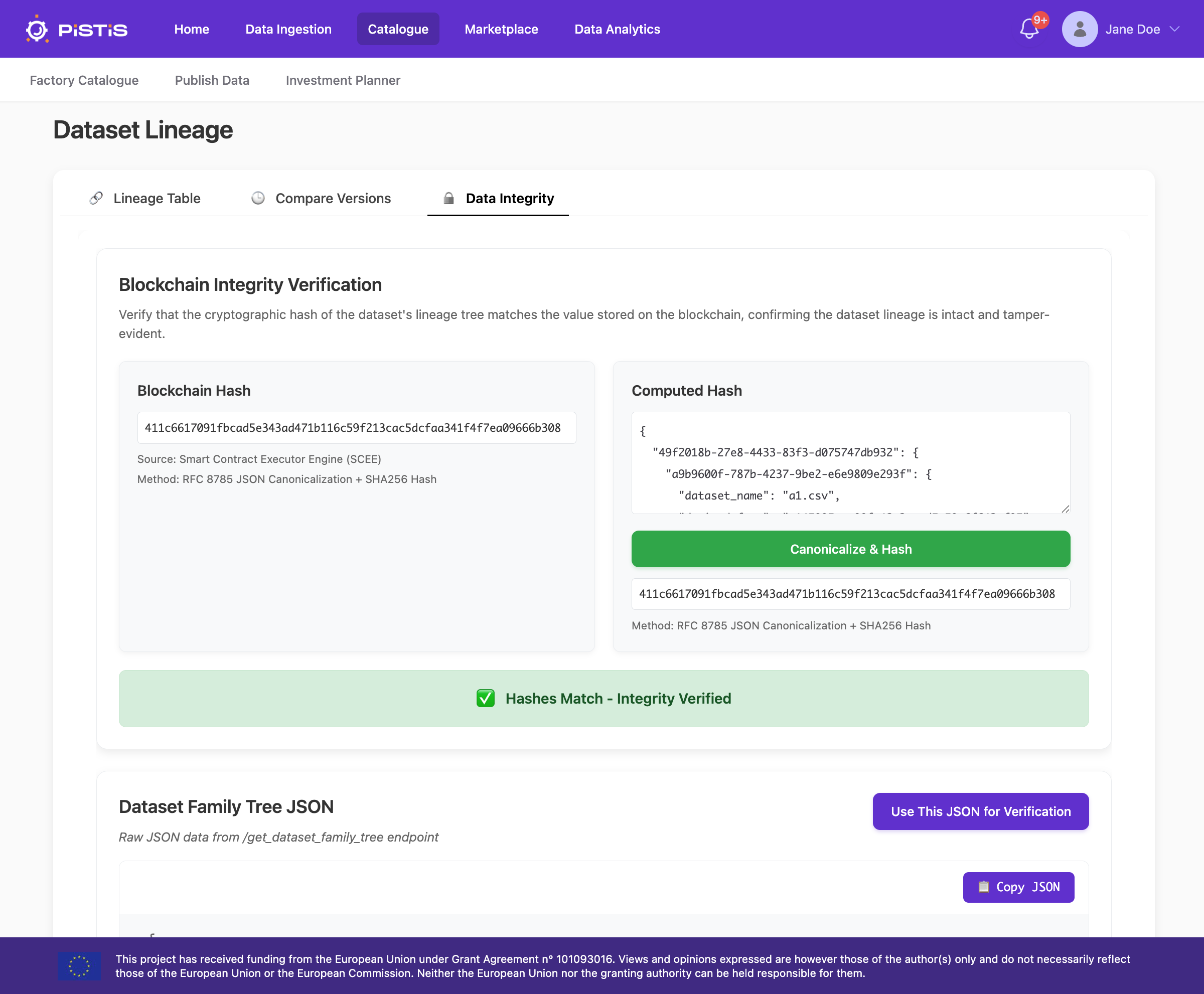
Open a non-streaming dataset in the Catalogue and click Data Lineage in the dataset detail view.
View the Lineage
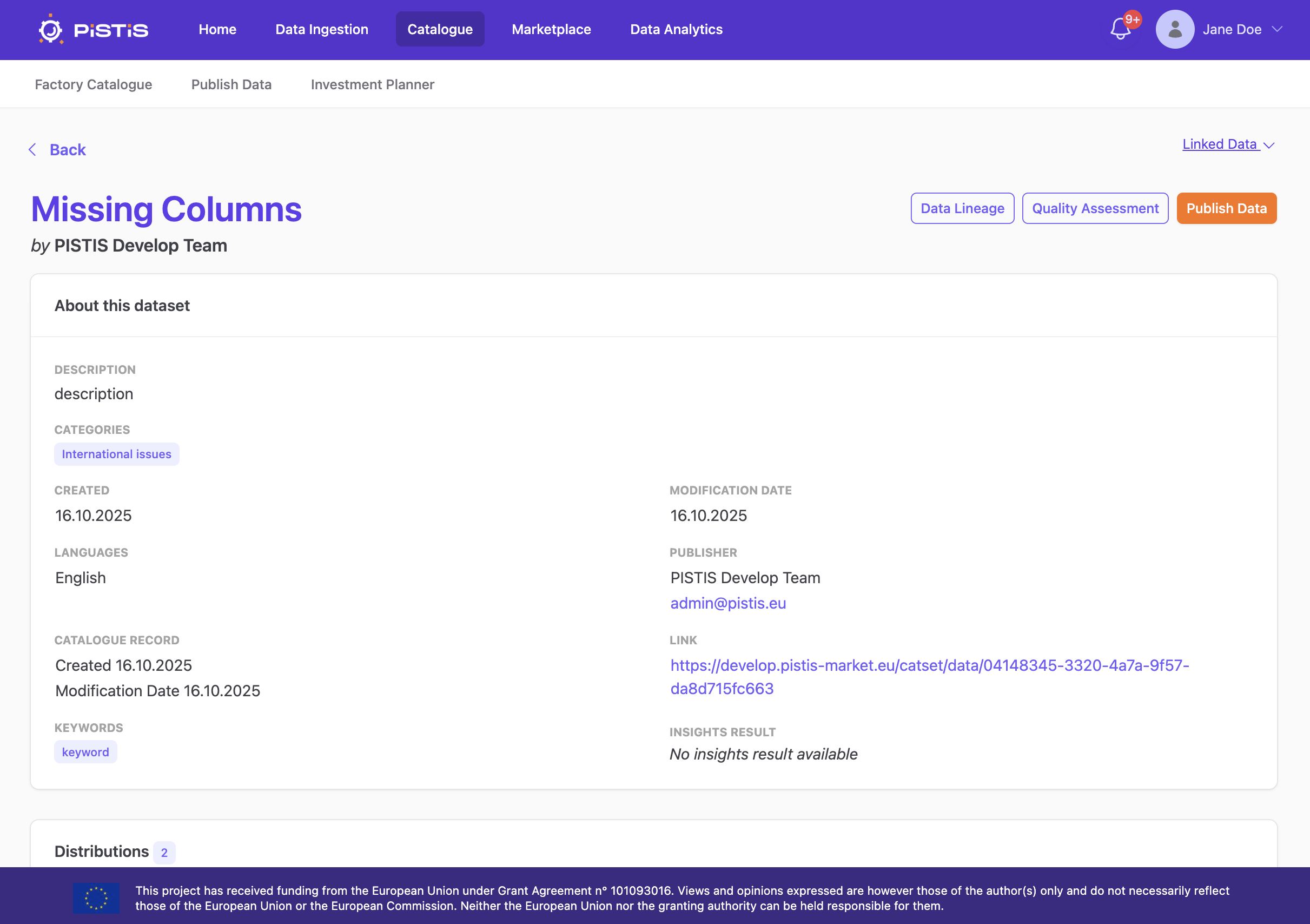
The Lineage Table tab gives an overview of the dataset’s lineage information.
- Dataset Family Tree (left)
A tree of dataset versions (A.1, A.2, B.1, etc.), where each node refers to one dataset version. - History (right)
A searchable table of all recorded actions for the selected dataset version, including:- Version and ID
- Activity (e.g. “Dataset Registered”, “Dataset Updated”)
- A description of what changed (e.g. schema changes, data changes, data enrichment, data transformations)
- Username
- Timestamp
Compare Dataset Versions
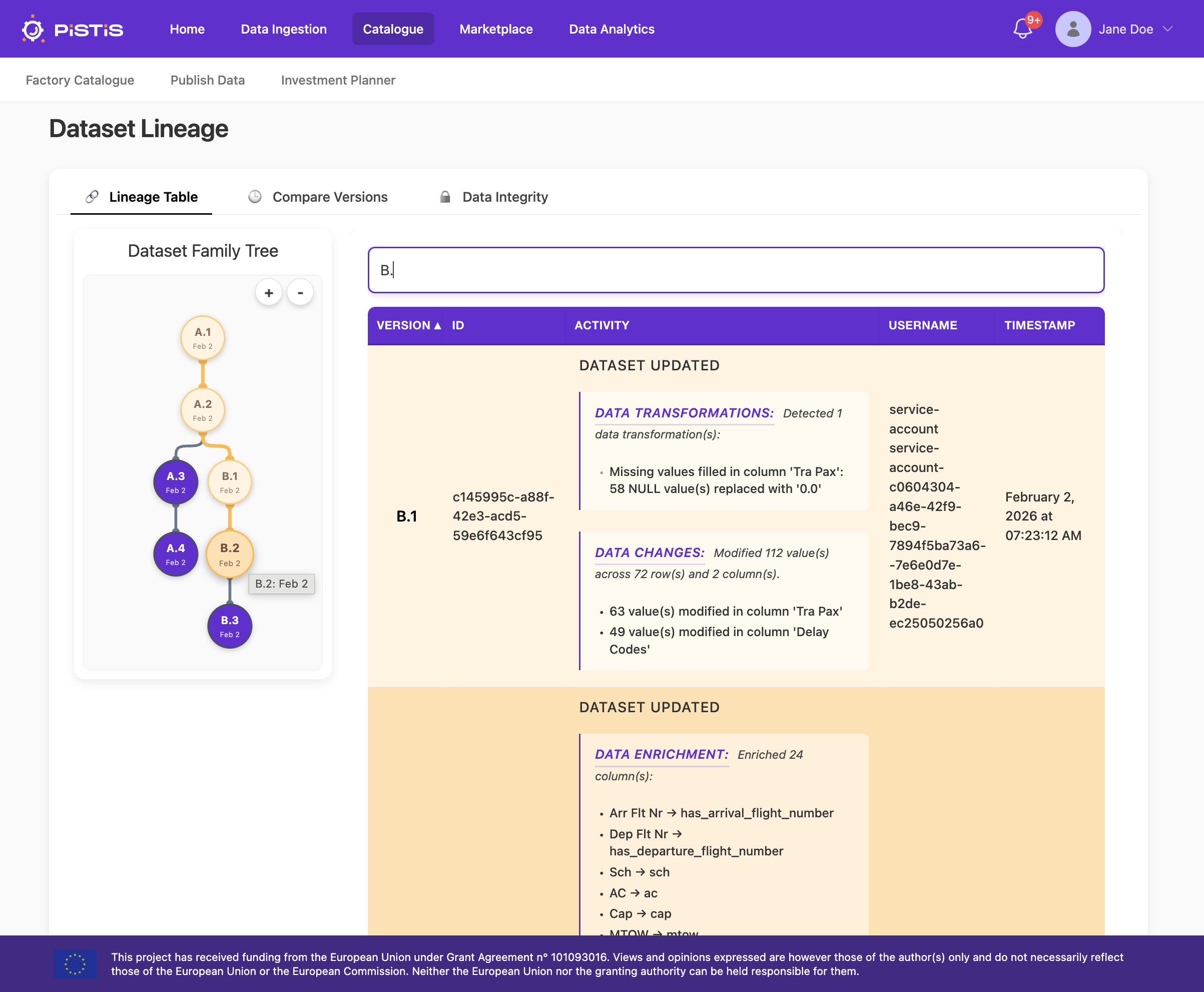
The Compare Versions tab shows exactly how two dataset versions differ.
- Select two versions in the Dataset Family Tree (e.g.
vA.2 → vB.2). - See summary statistics for:
- Cols + / Cols − / Cols Δ (added, removed, changed columns)
- Rows + / Rows − (added, removed rows)
- Values Δ (changed cell values)
- A detailed table lists the cell-level differences.
Data Integrity
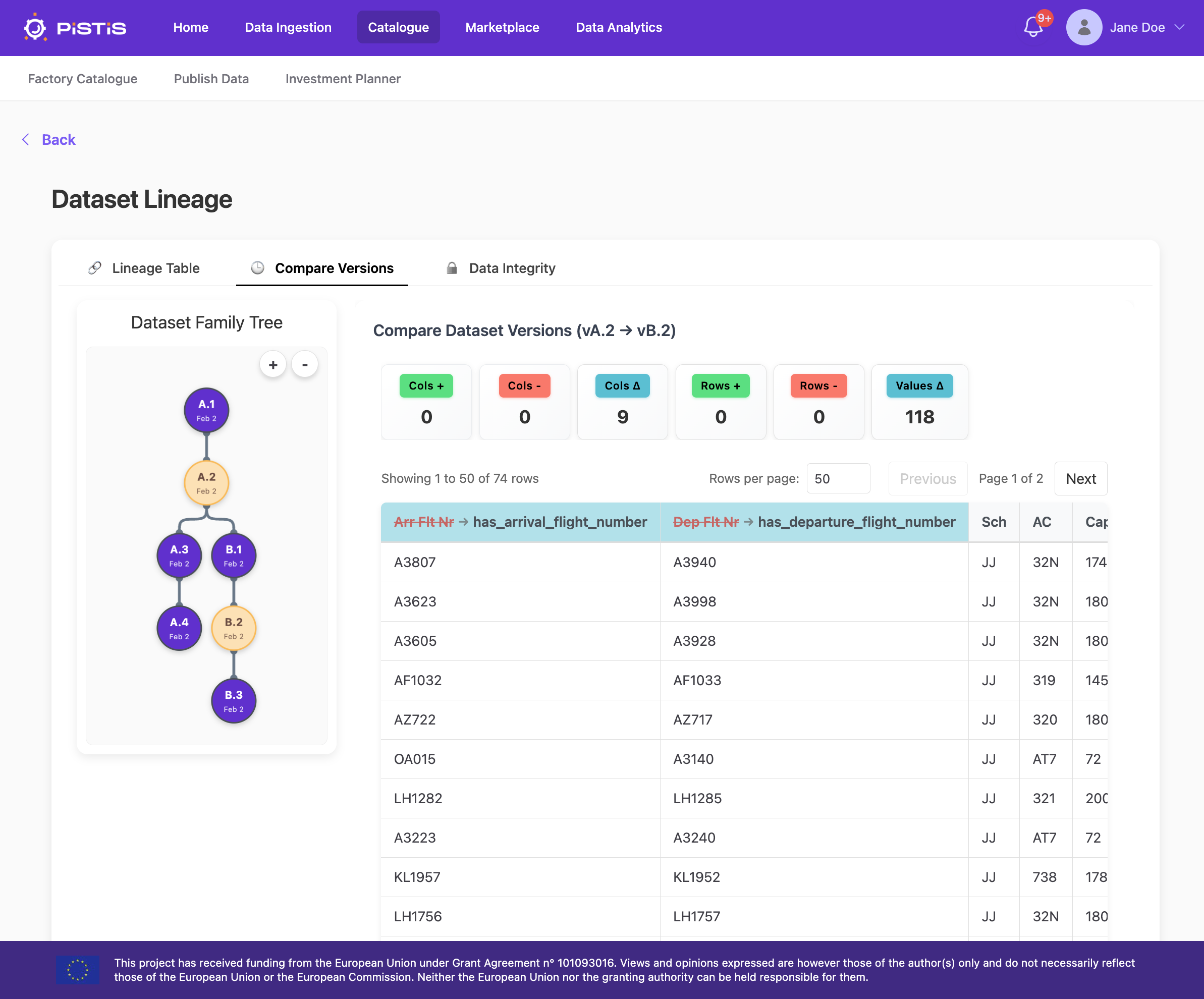
The Data Integrity tab verifies that the lineage has not been tampered with by comparing:
- The Blockchain Hash, which is a hash of the dataset family tree stored on the Smart Contract Execution Engine (SCEE)
- The Computed Hash, which is a hash of the dataset family tree recalculated from the current lineage using RFC 8785 JSON canonicalization + SHA-256
Click Canonicalize & Hash to recompute and compare.
- If the hashes match, the lineage information integrity is verified.
- If they do not match, the integrity check fails and has been tampered with.